
Drop in the GIF
Drag it in, click to pick it, or paste it. The one Discord just refused works fine; files up to 50 MB open, and they never leave your browser.
Tell it where the GIF is going, emoji, sticker, chat, avatar or banner, and get back a file Discord takes on the first try, no more "too big" errors.
Cropped to 128×128 and squeezed under 256 KB, the size Discord checks emoji at.
Runs on your device: the file never leaves your browser.
Want a server emoji nobody else has? Describe it and AI draws one.
Make a Discord emoji with AIWe put this 412 KB waving fox through the compressor on this page with Emoji picked: 128×128, the square Discord checks, 138 KB, all 9 frames kept.
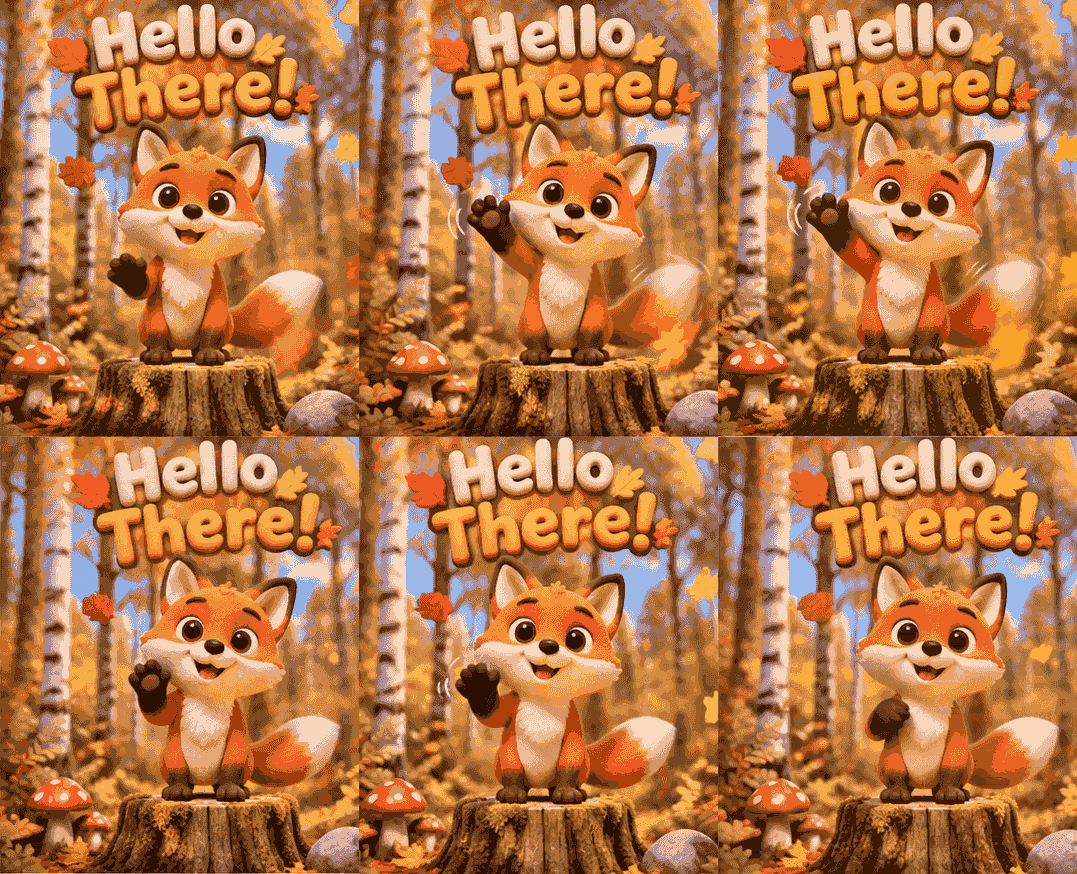
Before

After: Discord emoji
We ran the same emoji setting on four public GIFs of 7 MB to 25 MB (a satellite loop, a Mars rover clip, a 170-frame gear animation and a 475-frame fractal zoom). Every one came out at 128×128 and under 256 KB.
Discord's help centre listed these limits on 11 November 2026. Pick the slot and the compressor applies its numbers for you, which makes it the best GIF compressor for Discord: you never work out pixels or kilobytes yourself.
Discord checks emoji as if they were 128×128, so a small 64×64 GIF can still be refused as too big. The compressor always writes the full 128×128 square, then cuts colours, and frames only if it still has to, until it is under 256 KB.
Animated stickers have to be APNG, not GIF, which is why a GIF sticker upload fails. You drop in the GIF; it comes back as an APNG at exactly 320×320, cut to the first 5 seconds, under 512 KB.
A GIF over 20 MB posts as a file to download instead of playing in the channel. Pick Chat upload and it keeps the GIF's own shape and comes back under 20 MB; a GIF already under that is handed back untouched.
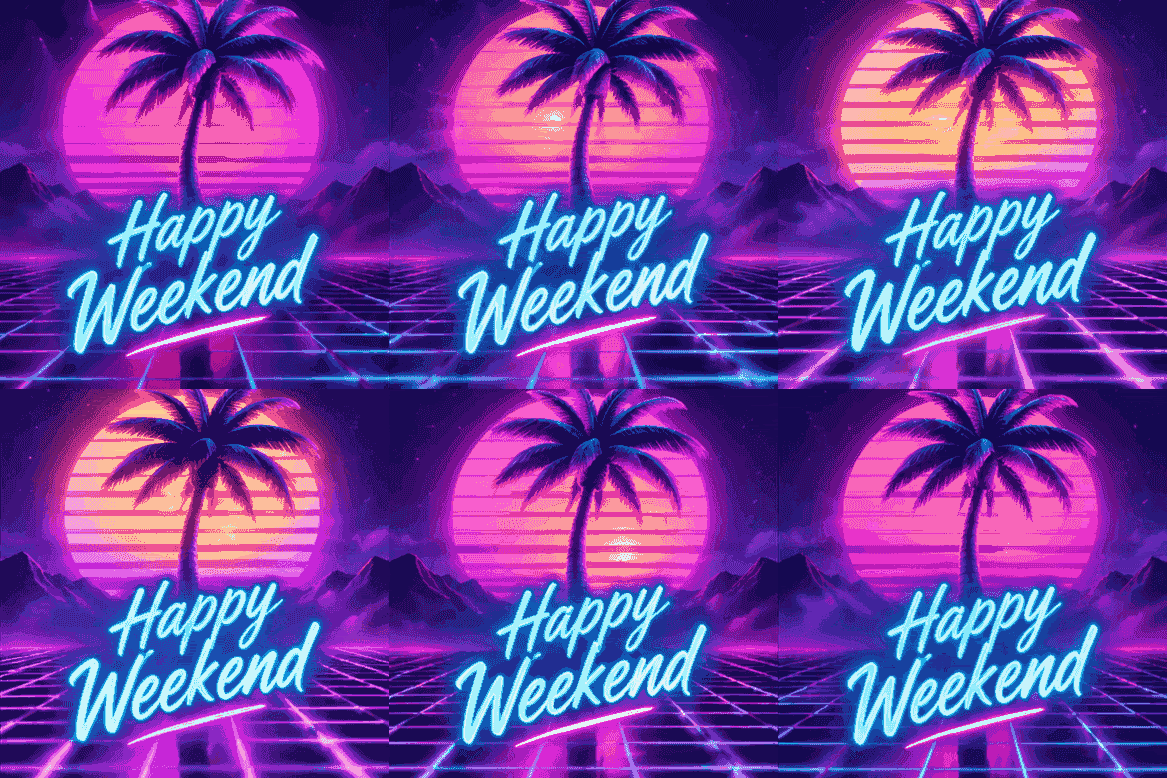
Animated profile pictures need Nitro and show as a circle. The compressor crops your GIF to a centred square up to 512×512, never stretched past its own size.

Banners take animated GIFs under 10 MB, at least 680×240. You get that exact strip, centre-cropped, under 10 MB.
Drag it in, click to pick it, or paste it. The one Discord just refused works fine; files up to 50 MB open, and they never leave your browser.
Emoji, Sticker, Chat upload, Avatar or Profile banner. That one tap sets Discord's exact size and file limit; press Compress.
Save the file and add it in Discord: Server Settings, then Emoji or Stickers, or your Profile for avatars and banners.
Emoji errors, sticker formats and file limits.
Because Discord sizes emoji up to 128×128 before it checks them, so a smaller GIF can count as bigger than it is. This Discord GIF compressor writes every emoji at the full 128×128 and keeps it under 256 KB at that size, the shape Discord actually checks.
Animated stickers have to be APNG, and the file has to be exactly 320×320 and at most 512 KB. Pick Sticker here and your GIF comes back as an APNG at that size, cut to the 5 seconds a sticker can play.
Drop it in, pick Emoji and press Compress. It crops to 128×128, then lowers colours and, only if it has to, keeps fewer frames, giving the dropped time to the kept ones so the loop runs at the same speed.
20 MB per file, raised from 10 MB in August 2026; Nitro Basic gets 50 MB and Nitro up to 1 GB. A GIF over your limit is shared as a download instead of playing in chat, so Chat upload brings it under 20 MB.
Every colour and frame stays wherever the slot has room: chat uploads, avatars and banners take most GIFs whole. Only the 256 KB emoji square makes a long GIF give up some colours and frames, and the loop keeps its speed.
No. The compressing runs in your browser and the file never leaves your device, which is also why it is free with no sign-up and no watermark.
Yes, the GIF resizer sets any exact width and height. Use this page when the file also has to fit a Discord size limit.
Free tools for the files your server already has, or one line to the AI maker for the ones it doesn't.
The compressor at the top takes the GIF Discord refused and fixes it in one click. Starting from nothing? The AI GIF maker turns one line into a looping GIF with the words spelled right, and the Discord emoji maker hands it back emoji-sized.


