Drop in the GIF
Drag it onto the box, click to pick it, or paste it. Files up to 50 MB open.
Drop the GIF that got rejected, pick 256 KB, 500 KB, 1 MB or 5 MB, and send one that goes through. It never leaves your device.
Runs on your device: the file never leaves your browser.
No GIF yet? Type one line and AI makes one, names spelled right.
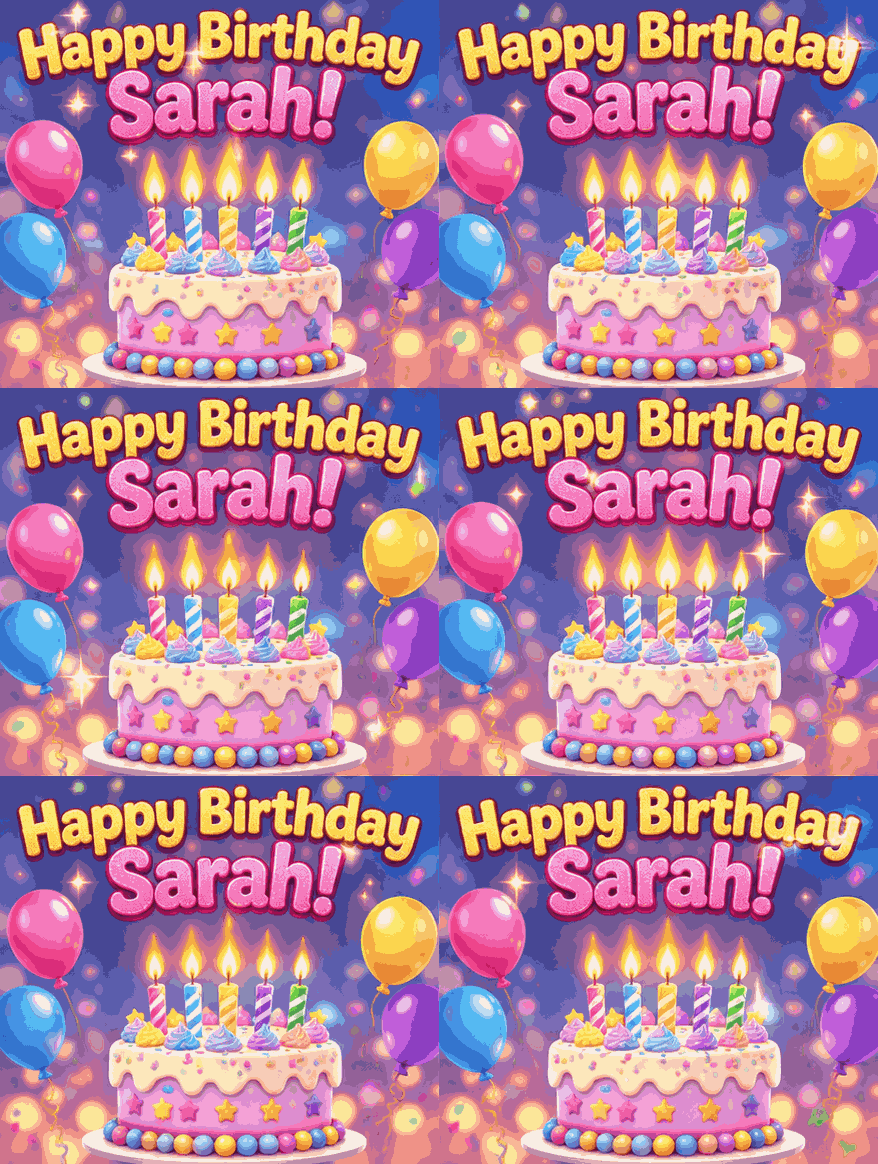
Make a GIF with AIThis birthday GIF went through the compressor on this page with the 500 KB target. Same size on screen, same 9 frames, same timing.
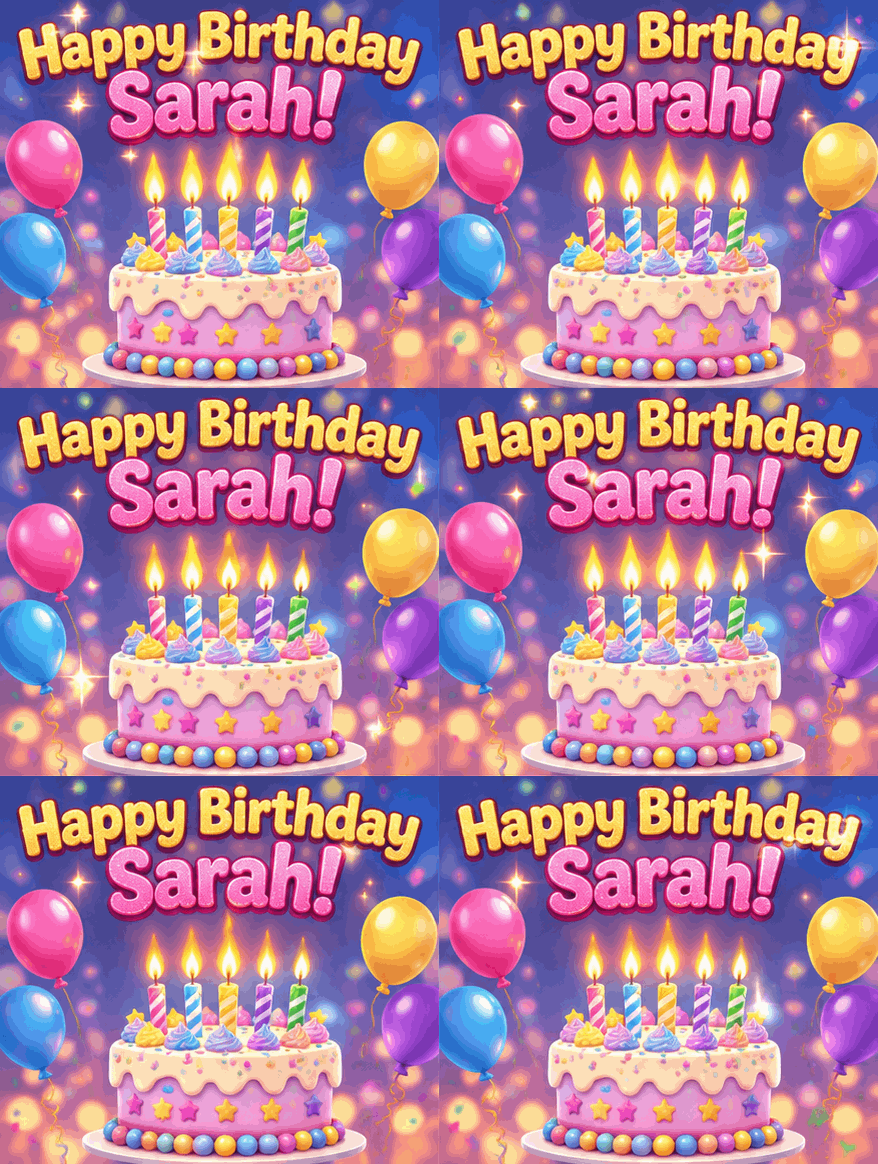
Before
After: 500 KB target
36% smaller. To reach 500 KB the compressor only had to cut the palette; tighter targets also scale the GIF down, and only below half size does it start dropping frames.
Drag it onto the box, click to pick it, or paste it. Files up to 50 MB open.
256 KB for Discord emoji, 1 MB or 2 MB for chat apps, 5 MB for email and forums.
Your browser re-encodes it right on your device, nothing uploaded, and shows the new file size next to the old one.
One click saves the smaller GIF, already under the limit you picked.
It takes the smallest step that reaches your target, which makes it the best GIF compressor for a hard limit: the GIF you get back stays as close to the original as the limit allows.

A GIF holds up to 256 colours. On our own AI-made GIFs, 128 colours cut the file by about a sixth and 64 by about a third, with every pixel and every frame kept.
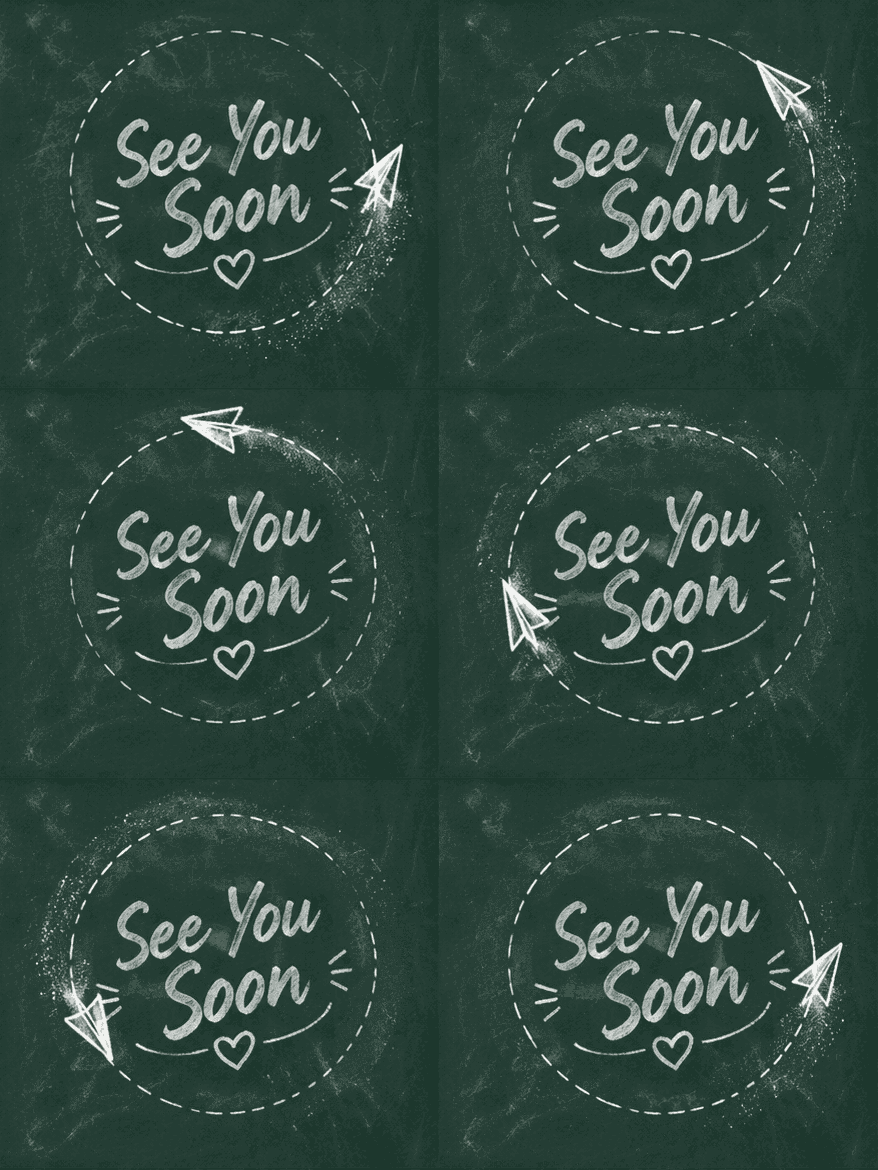
Each frame only stores what moved since the last one. With Lossy turned up, pixels that barely changed count as unchanged too, which is where screen recordings and memes lose the most weight.
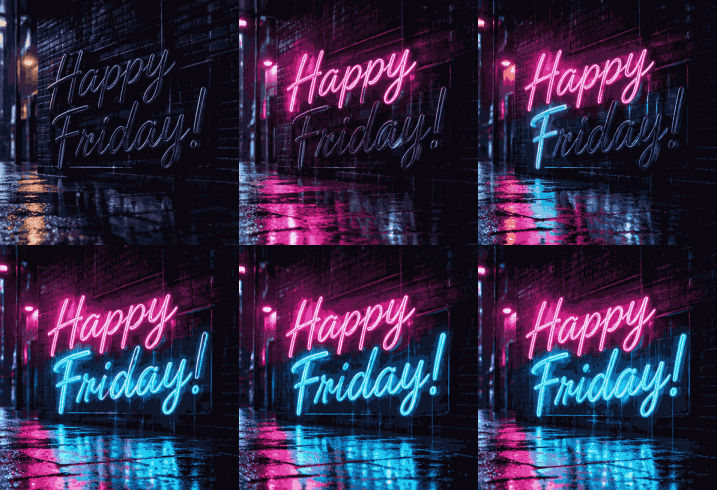
If colours alone cannot hit the target, it scales the GIF down by just enough. Need an exact size instead? The GIF resizer sets width and height to the pixel.
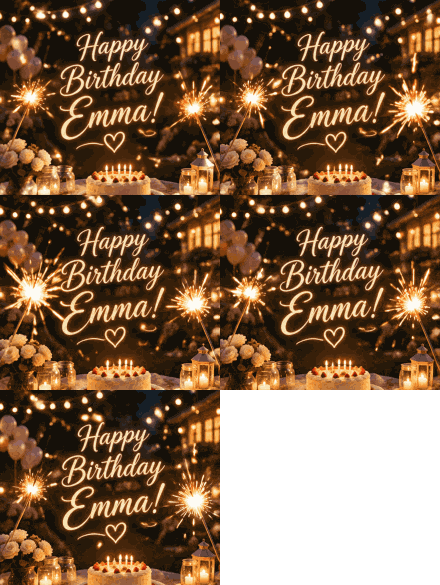
Only below half size does it keep every second frame, adding the dropped time to the kept ones so the loop runs at the same speed. A GIF from our text to GIF maker reaches 1 MB with colours alone, frames untouched.
File size limits, quality and privacy.
Yes. The compressing happens in your own browser, so there is no server cost to pass on: no sign-up, no daily limit, no watermark on the file you download.
No. The file is read and re-encoded on your device; nothing is sent to our servers. Open your browser's Network tab while it runs and you will see no upload.
Pick the 256 KB target. Emoji are shown at 128×128, so for the sharpest result resize to 128×128 first on the GIF resizer, then compress what is left.
Only as much as the target forces. At 1 MB and above most GIFs keep their size and frames and only lose colours you rarely notice. Very small targets on long GIFs mean a smaller picture.
A GIF barely shrinks when it was optimised already or is mostly noise like film grain. Switch to Set it myself, raise Lossy and lower Scale, or convert it with GIF to MP4: our 1.03 MB sample GIF came out as a 381 KB MP4.
Files up to 50 MB open. Large GIFs take longer because every frame is processed on your device; a phone gets there too, only slower than a laptop.
All free, all in your browser.
Our AI GIF maker turns a sentence into a looping GIF with the words spelled right, like a happy birthday GIF with a name on it.