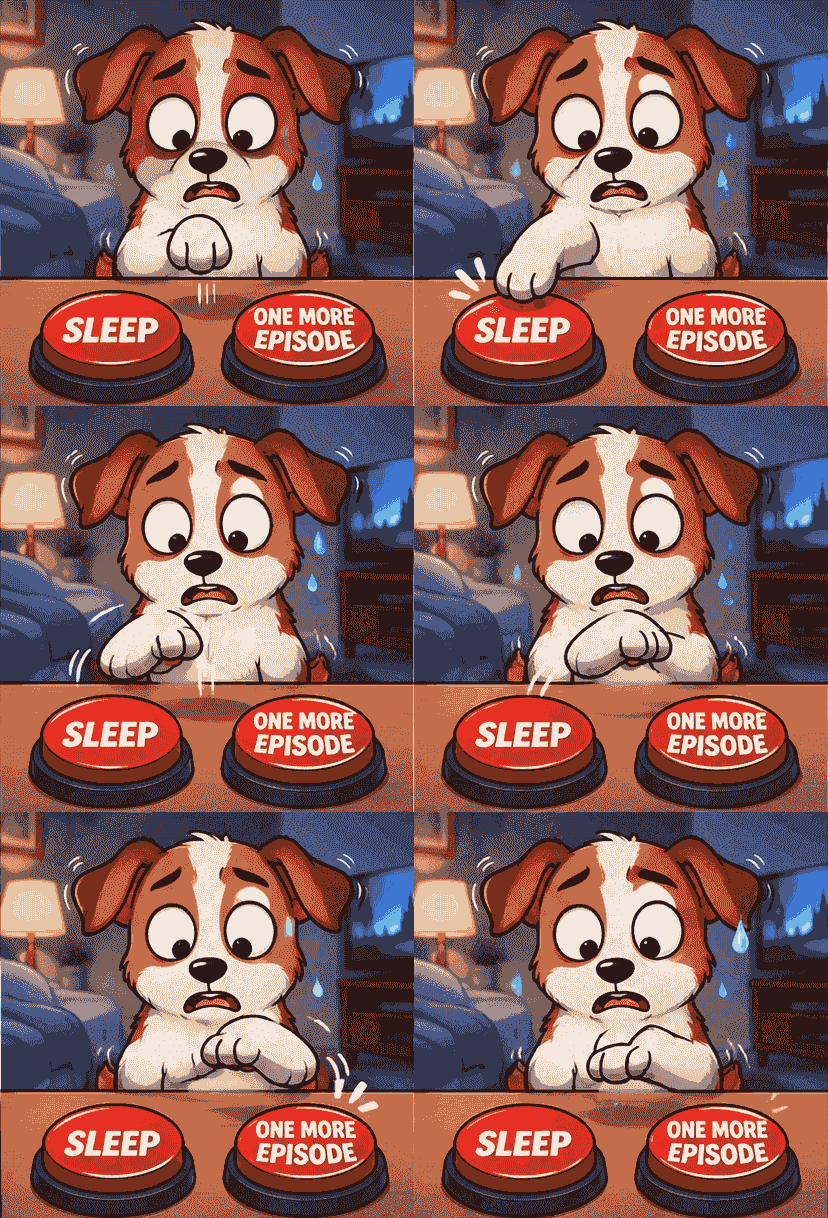
01
Looping animation
The GIF runs forever, the way Discord animated emoji do in the tray.
Describe your emoji and get a looping animated GIF — pixel-art subjects, dark background, no text — ready to try on your server.
Each example below was generated on this page — a looping GIF in the format Discord animated emoji use.
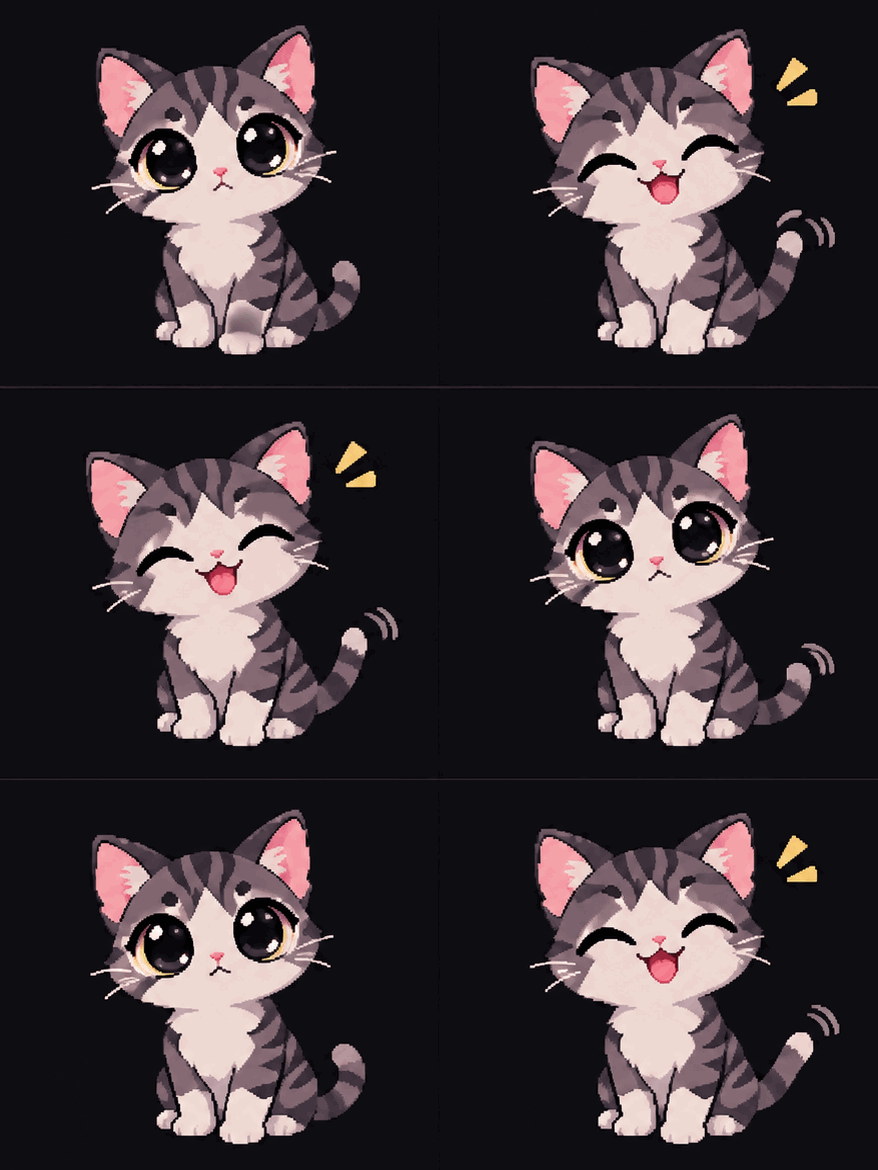
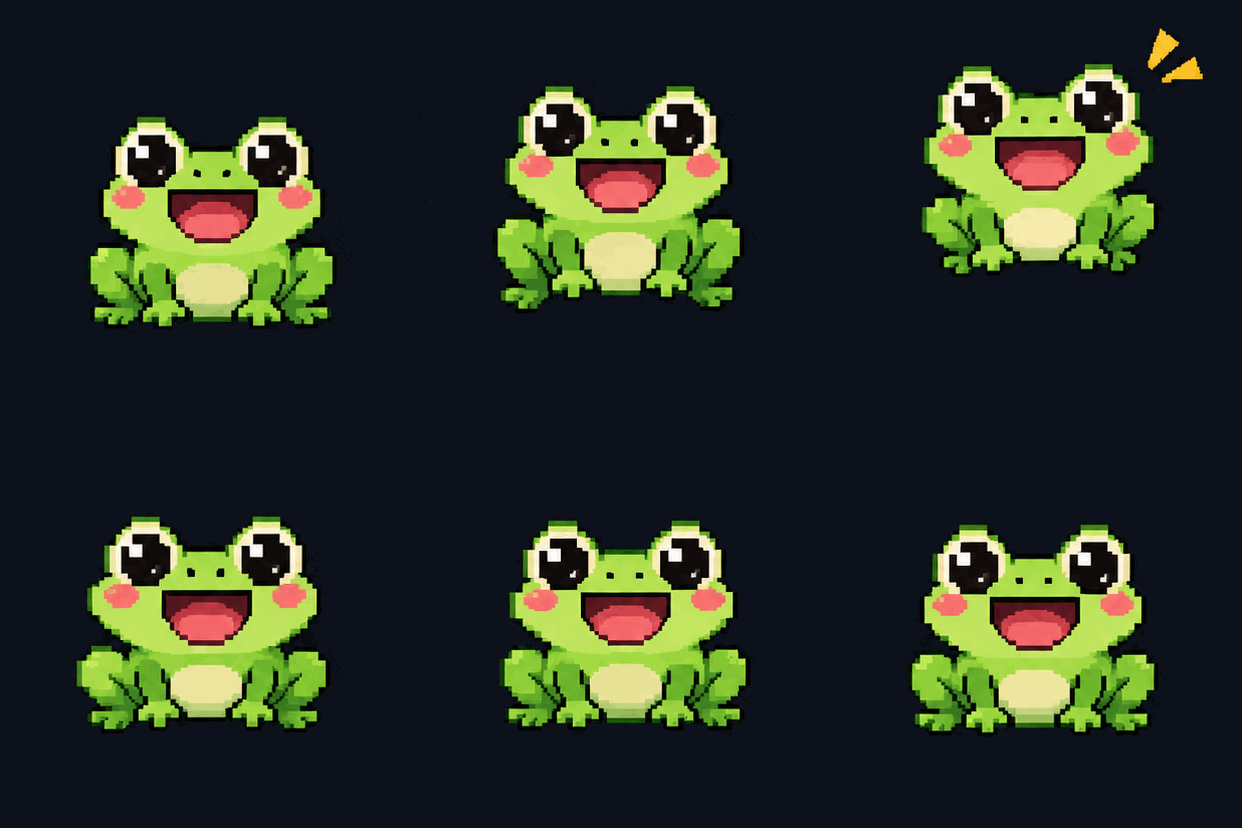

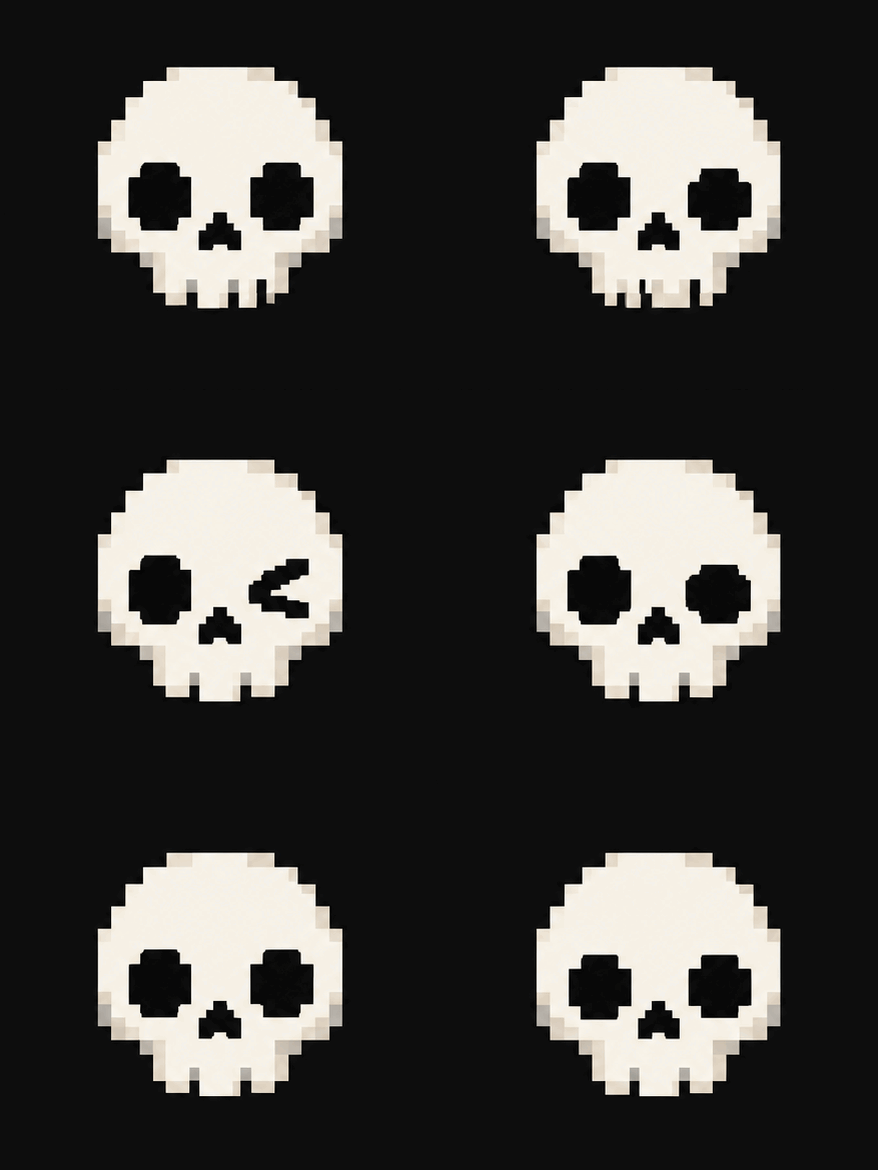
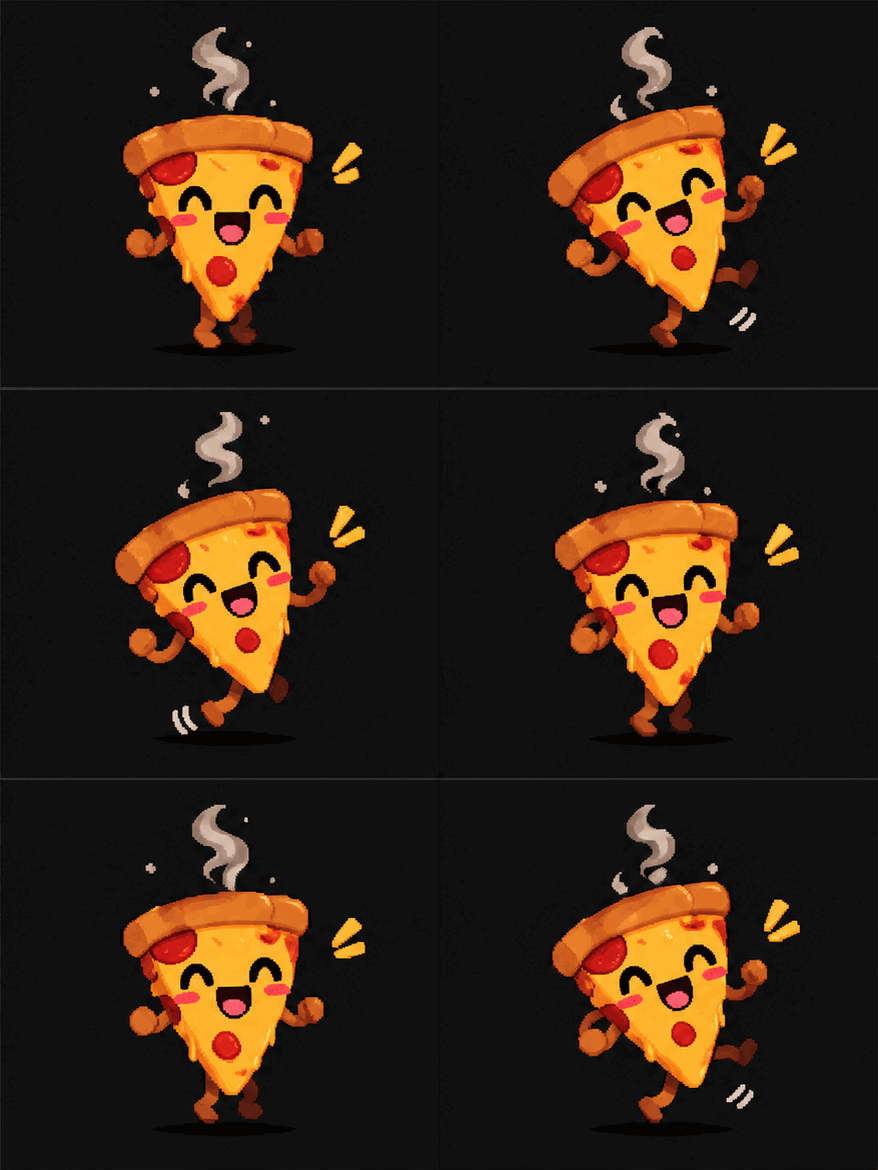

Discord animated emoji are looping GIFs. Every GIF from this page is a real looping animation made for that job.
The GIF runs forever, the way Discord animated emoji do in the tray.
Small enough to share and upload — each demo on this page is a few hundred kilobytes.
Emoji-shaped, with the subject centered and a clean dark background.
Server owners whose inside jokes deserve to live in the emoji tray.
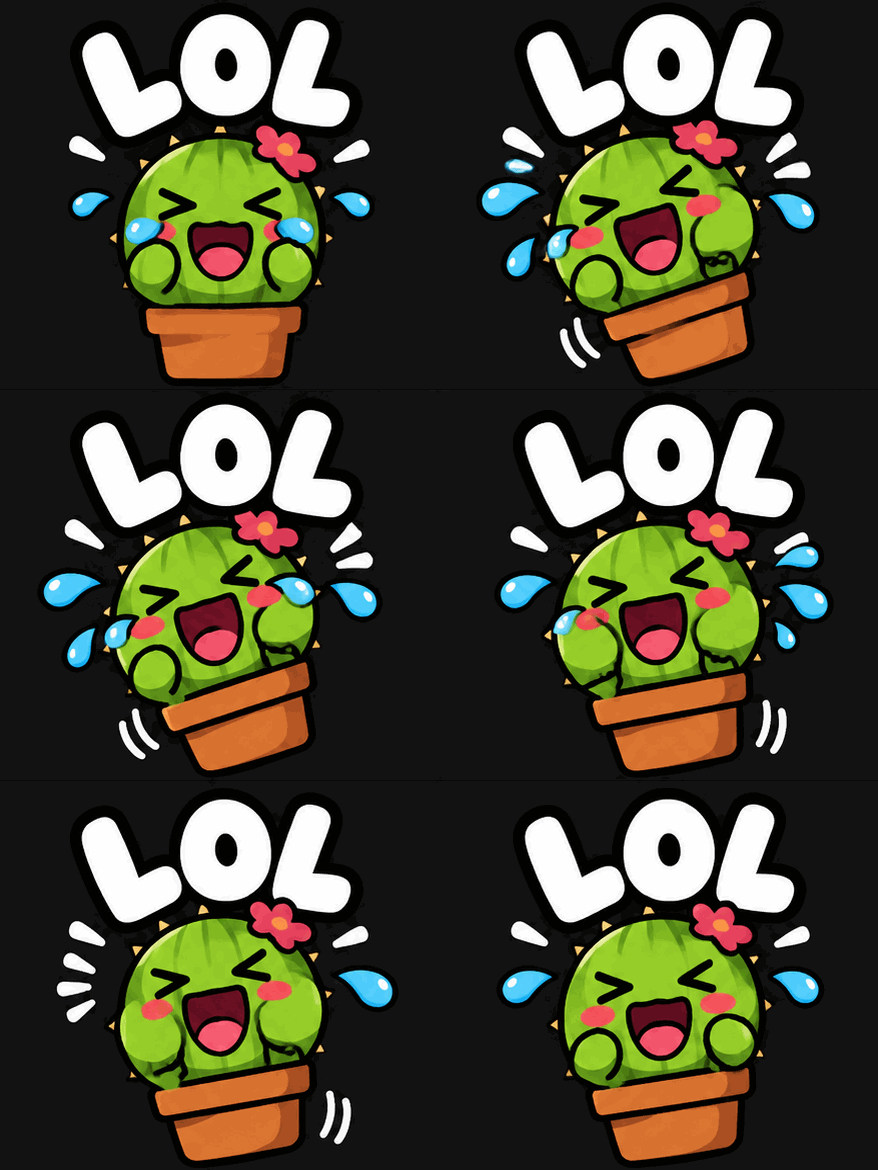
The emoji every regular already knows but the tray does not have. Describe it once, upload it once, and the joke becomes a reaction.
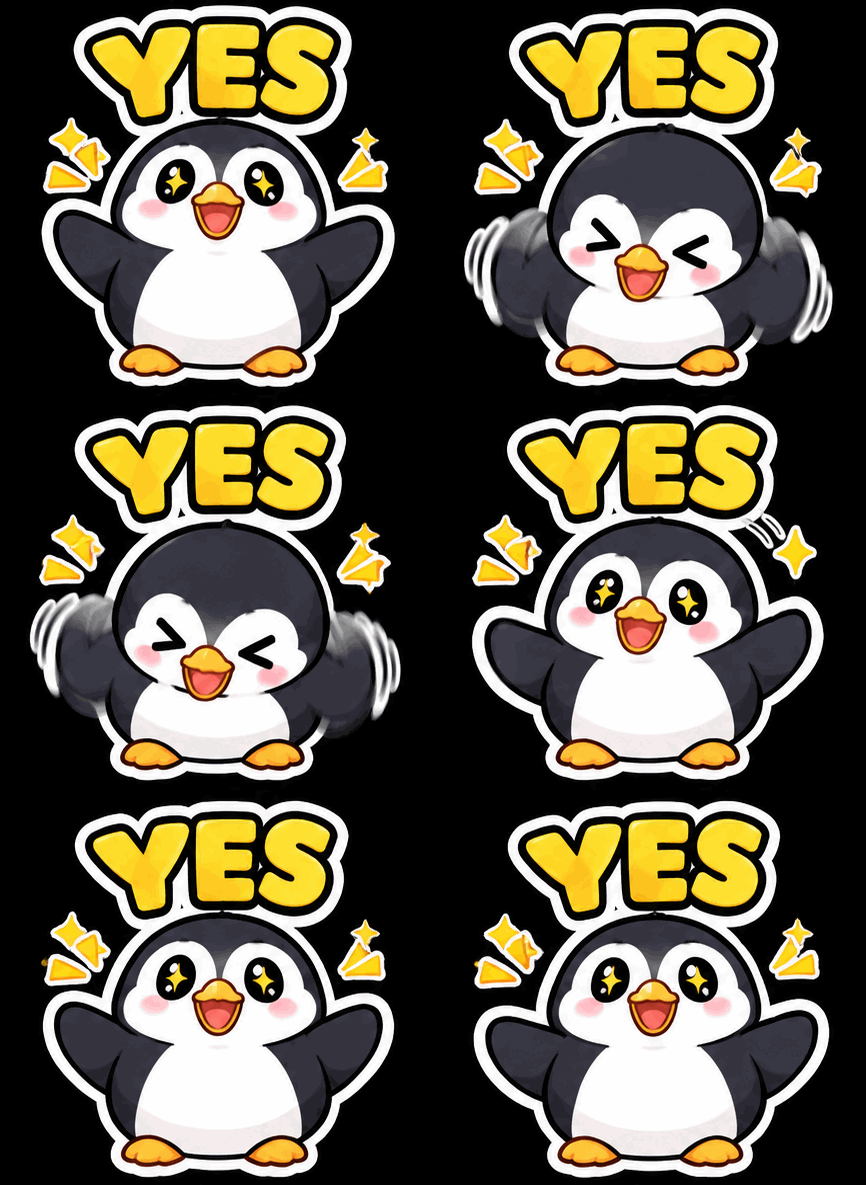
No drawing skill required — the generator draws it, and the file arrives as a looping GIF ready for your server.
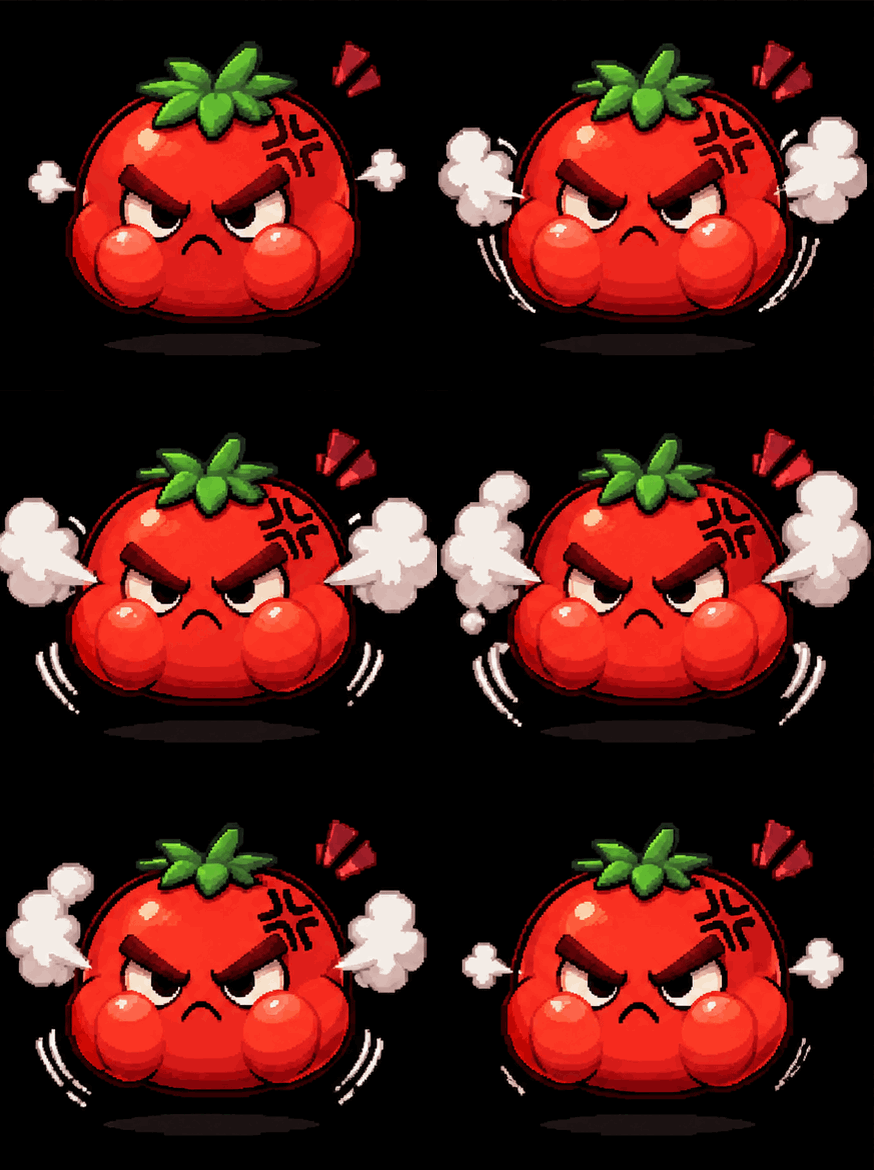
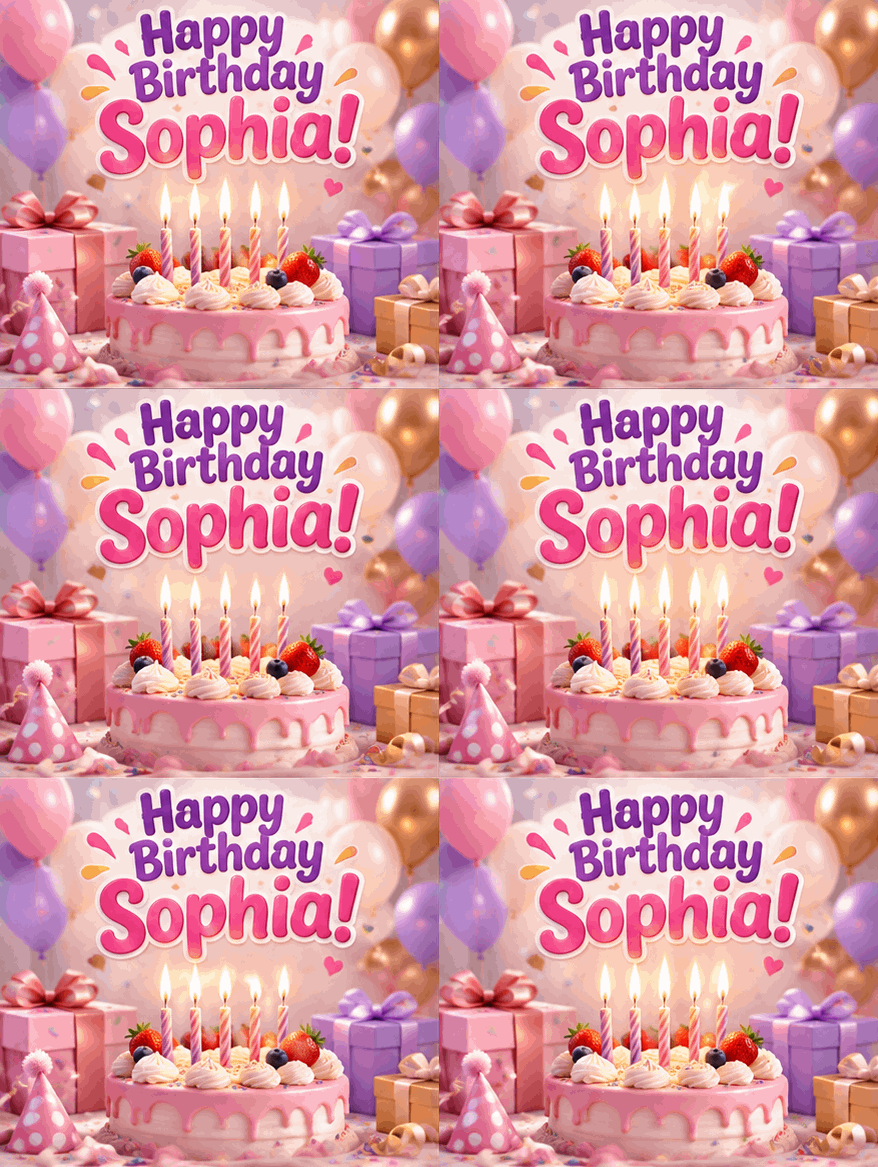
Emoji for the tray, a birthday GIF with a name for the chat — the same generator, aimed at the occasion.
Answers about uploading, size limits and server permissions.
Open Server Settings, then Emoji, then Upload Emoji, and pick the downloaded GIF. You need the Manage Emoji permission on that server.
Discord limits animated emoji to 128×128 and 256 KB per file. Press Download for Discord under your GIF and it comes down already resized to 128×128 and under 256 KB, re-encoded in your browser, so the upload goes through.
Type the simplest description — "a happy frog", "a flaming heart" — and the generator builds the rest around Discord's format.
Animated emoji work on any server where you can upload them. Regular servers allow a set number of custom emoji slots.
The same generator, aimed at the next thing you want to send.
Describe it, download it, upload it — in Discord's spec.