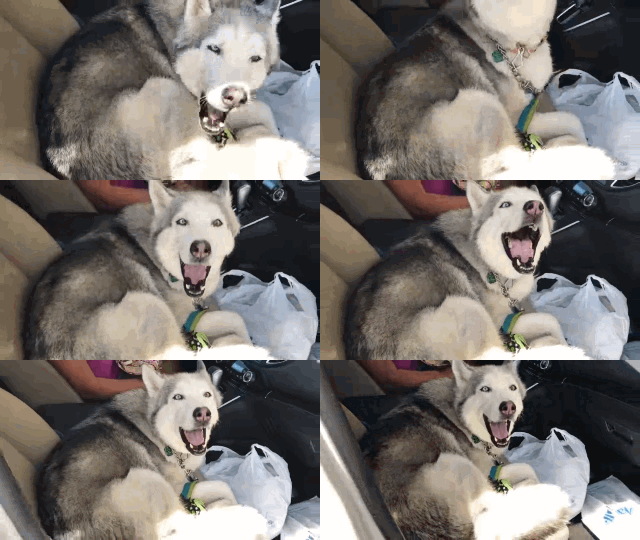
Drop in the GIF
Caption a GIF up to 50 MB: drag it in, click to pick it, or paste it.
Type the line that makes it funny, see it on top as you type, and download the captioned GIF for the group chat, made right in your browser.
Runs on your device: the file never leaves your browser.
Want the words to be part of the picture? AI draws them in, spelled exactly as typed.
Try text to GIFTop and bottom text in the default meme style (white Impact, black outline), drawn on all 30 frames by this tool.
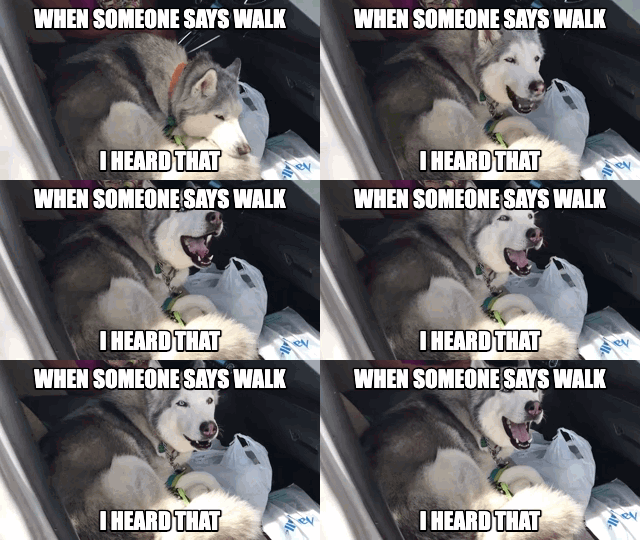
After: captioned GIF
Footage: Klaudya Teodora on Pexels, released under CC0.
Caption a GIF up to 50 MB: drag it in, click to pick it, or paste it.
Either one or both. Long lines wrap and shrink to fit.
Pick a font, text colour, outline colour and width, and the size. The preview updates as you go.
Press Add text to GIF and save the result. Every frame carries the caption, timing unchanged.
This is the best way to caption a GIF that already exists. When the words should be part of the scene instead, the AI pages draw them in.
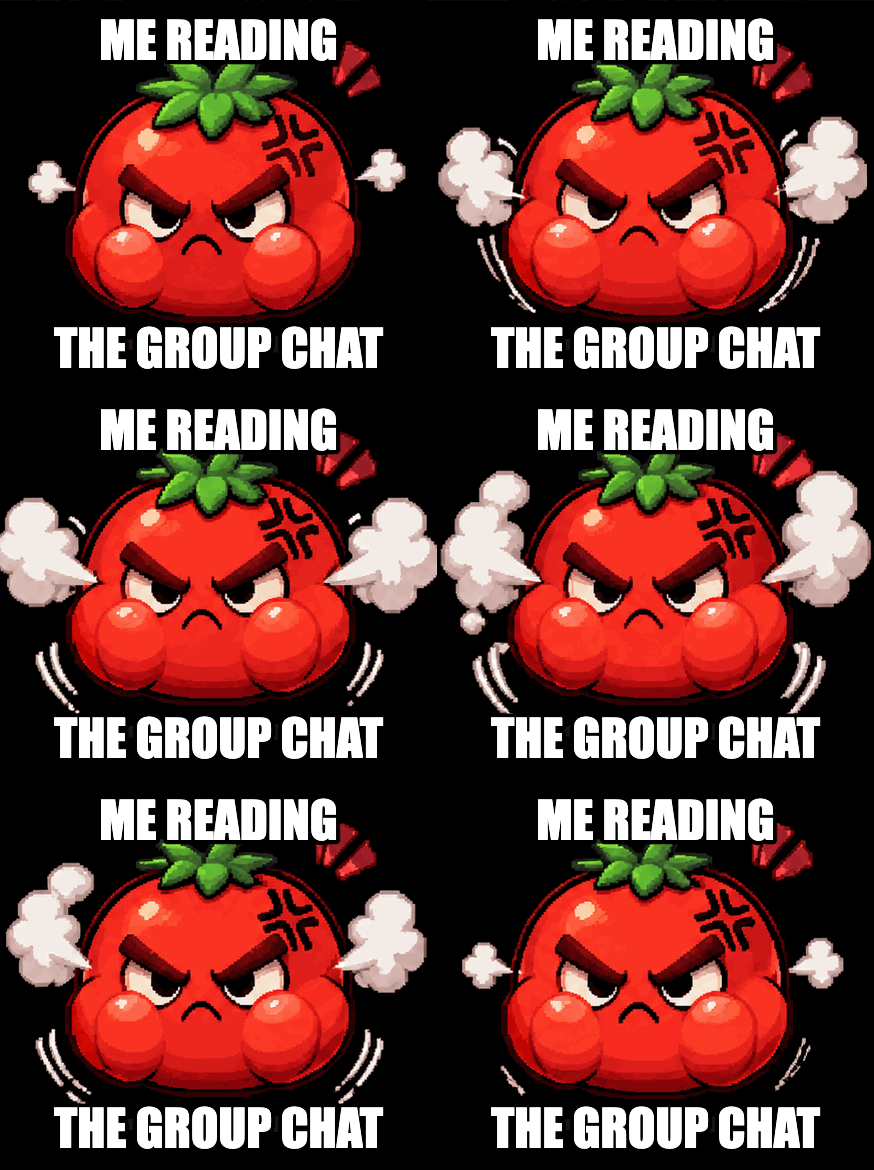
A reaction GIF, a pet clip, a screen recording: your punchline lands on top for the group chat, and the GIF underneath stays exactly as it was.

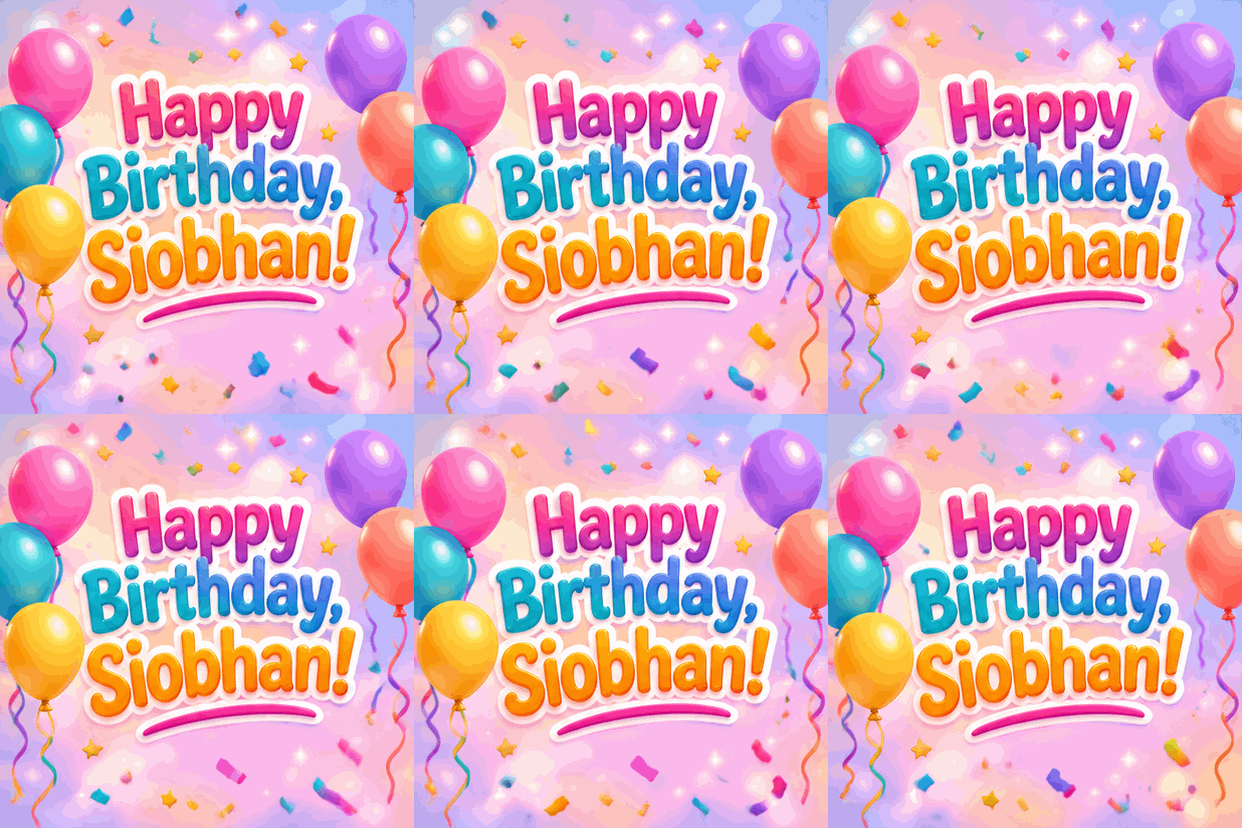
On text to GIF the text becomes part of the picture: a neon sign, letters in the foam, a banner. Spelled exactly as you type it.
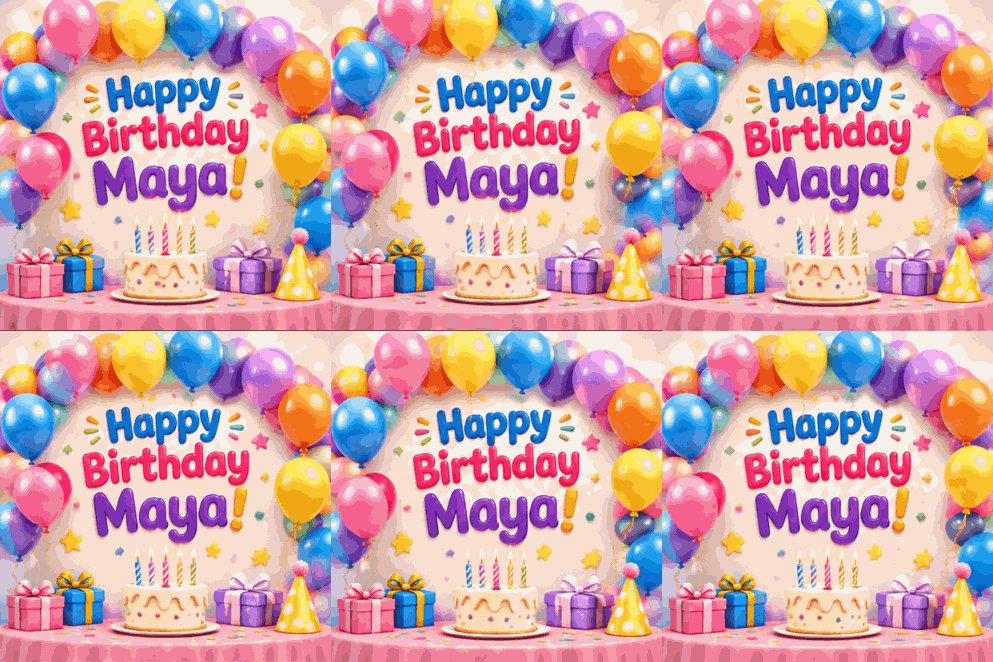
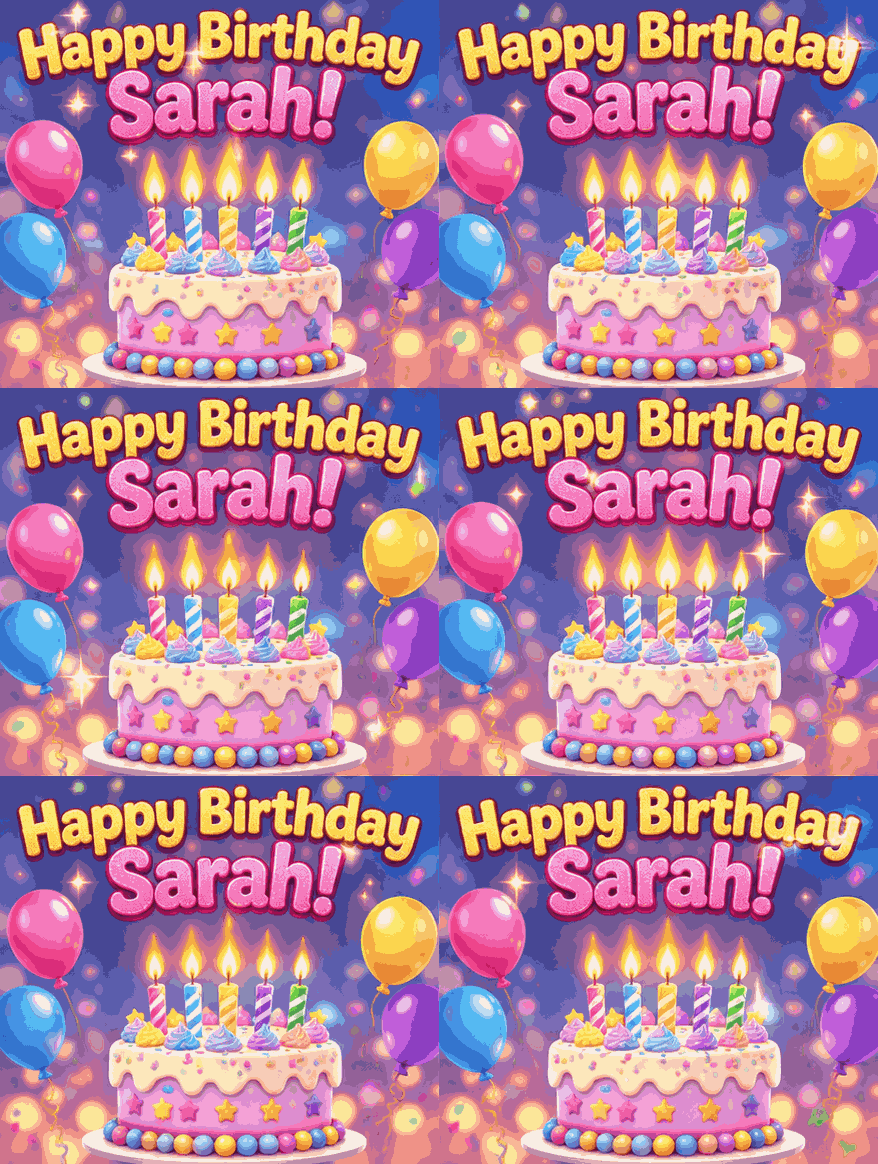
The happy birthday GIF with a name page puts the name on the cake or the balloons, not in a caption bar.
Got a video, not a GIF? Make it a GIF with video to GIF, then come back and caption it.
Fonts, animation, size and privacy.
Yes. Captioning runs in your browser: no sign-up, no limit, and no watermark on the GIF you download.
Yes. The caption is drawn onto every frame and the frame timing is kept, so the GIF loops exactly as before with the text on top.
That is the default: white Impact, all caps, black outline, top and bottom. Impact comes from your device's fonts; where it is missing, the nearest bold font stands in.
No. The GIF is decoded, captioned and re-encoded on your device, and nothing is sent to a server.
Run it through the GIF compressor and pick 256 KB, 1 MB or 5 MB. For an emoji, resize it to 128×128 on the GIF resizer first.
Here the caption stays still on the moving GIF. For words that move with the scene, describe them on text to GIF and the AI draws them animated.
All free, all in your browser.
Our AI GIF maker draws a looping GIF around your sentence, with every word spelled exactly as typed.