FREE first GIF with no sign-up, then 2 free GIFs every day once you sign in.

Free GIF Resizer: The Exact Size, Still Animated

Type the width and height, or tap Discord, Slack or Twitch, and get a GIF ready to upload as your emoji, every frame still moving.

Size
Width (px)
Height (px)
Your GIF shows up here, then the resized one at its real size.

Runs on your device: the file never leaves your browser.

Need a GIF to resize? Type what you want and AI makes it.

Make a GIF with AI
One real run

A 414×414 GIF Resized to a 128×128 Emoji

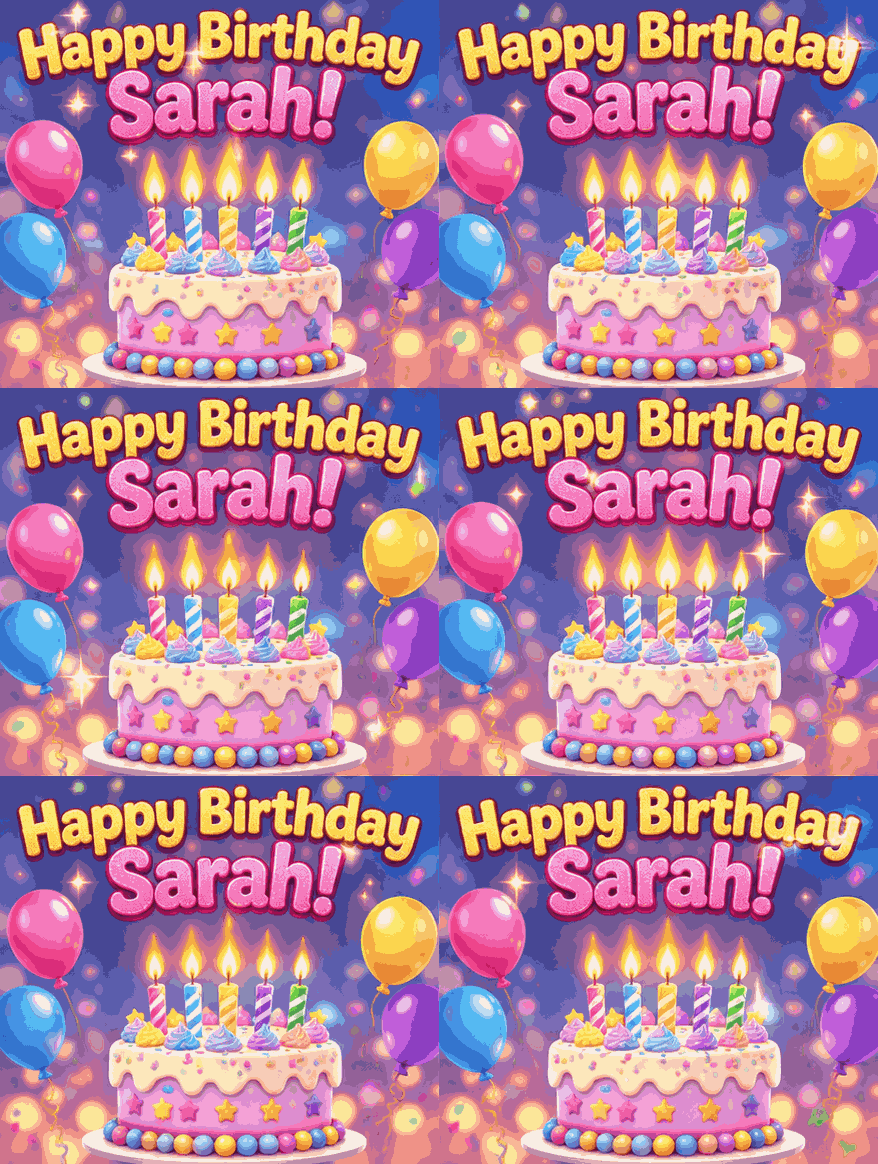
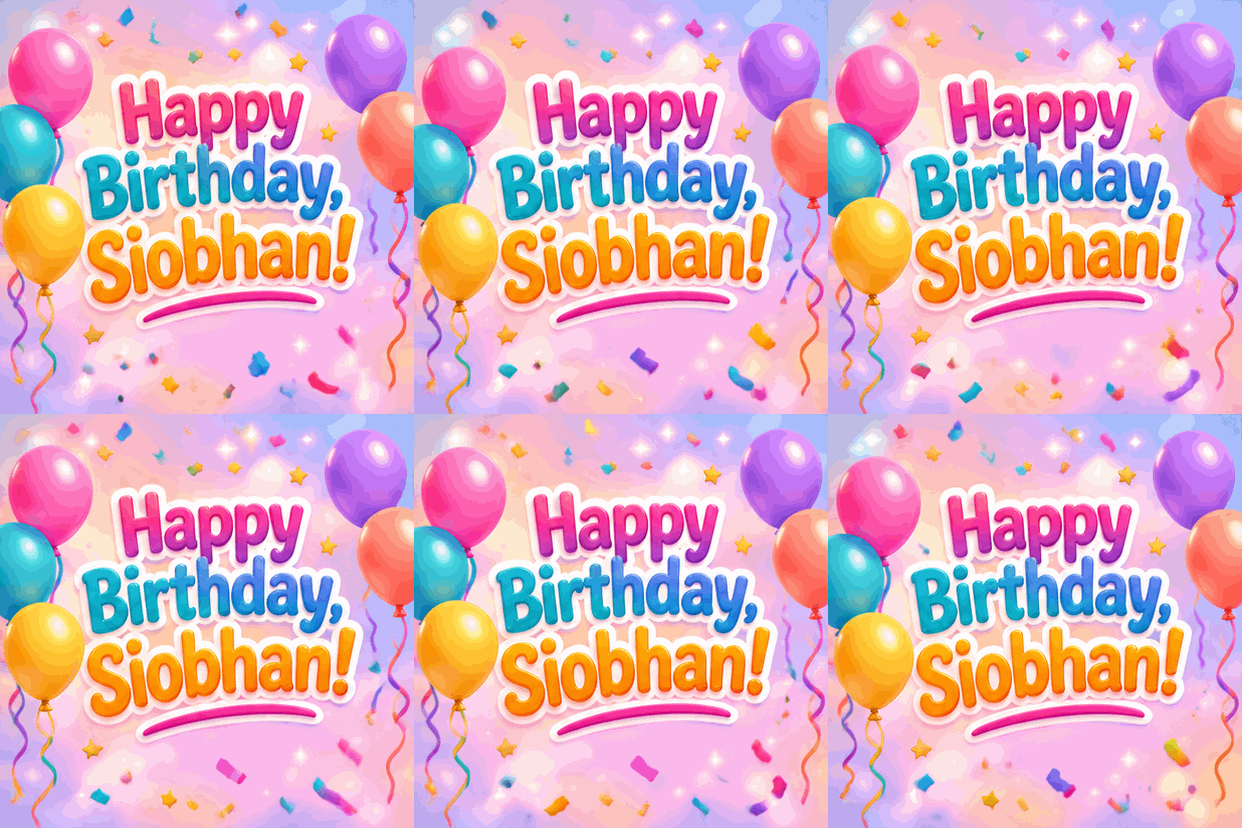
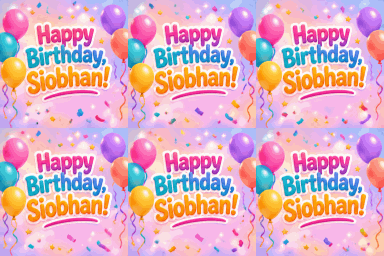
This birthday GIF went through the Discord emoji preset on this page. All 9 frames and the 1.8 second loop came through.

Happy birthday Siobhan GIF at 414 by 414 pixels

Before

Dimensions
414×414
File size
534 KB
Frames
9
The same GIF resized to 128 by 128 pixels for a Discord emoji

After: Discord emoji preset

Dimensions
128×128
File size
91 KB
Frames
9

The 128×128 version is shown at its real size. At 91 KB it is well inside Discord's 256 KB emoji limit, so no compression step was needed.

Presets

GIF Resizer Presets for Emoji and Stickers

Each preset is one tap and sets the exact square the platform shows, which makes this the fastest GIF resizer for emoji and emotes.

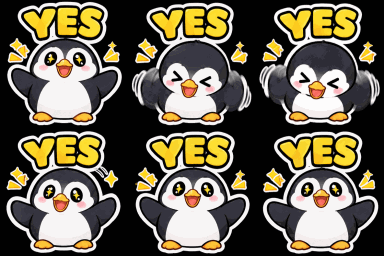
Nodding penguin emoji resized to 128 by 128 for Discord
128×128 · 63 KB

Discord emoji, 128×128

Discord shows emoji at 128×128 and takes files up to 256 KB. If the resized GIF is still heavier, a Shrink it under 256 KB button appears under the result. Want an emoji drawn from scratch? Describe it on the Discord emoji maker.
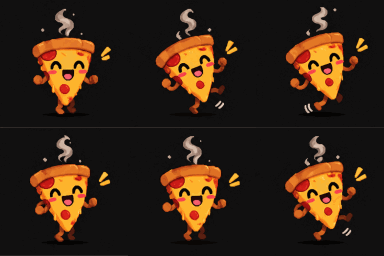

Dancing pizza emoji resized to 128 by 128 for Slack
128×128 · 42 KB

Slack emoji, 128×128

The same square, for a custom Slack reaction your channel will actually use.

Blob emote at Twitch's 112 pixel sizeBlob emote at Twitch's 56 pixel sizeBlob emote at Twitch's 28 pixel size
112, 56 and 28 · 37 KB for all three

Twitch emotes, 112, 56 and 28

The three sizes Twitch asks for when you upload emotes by hand. Your GIF stays loaded, so each size is a tap, Resize and Download.

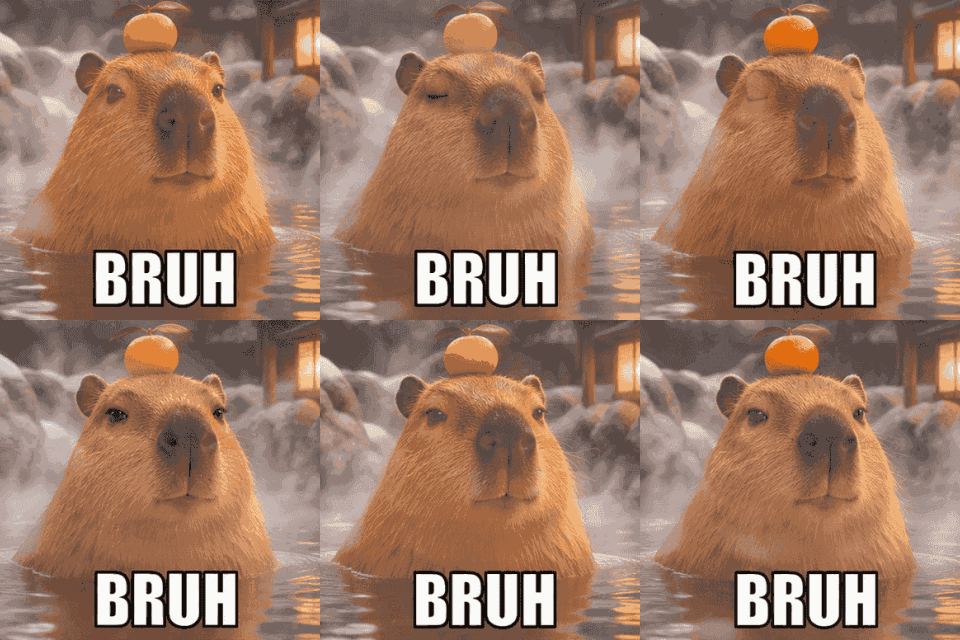
Capybara BRUH meme resized to 320 by 320 for a Discord sticker
320×320 · 435 KB

Discord sticker, 320×320

Stickers show bigger than emoji, so the extra pixels keep a name or a punchline readable.

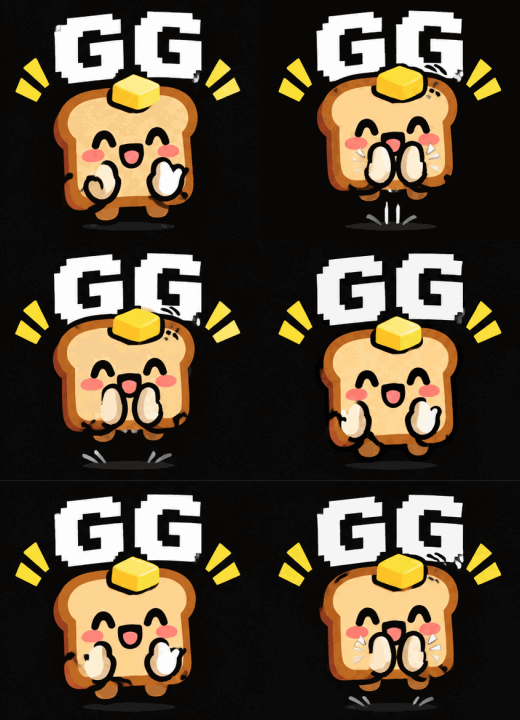
Clapping toast emote resized to a custom 260 by 240
260×240 · 161 KB

Any size or percent

Custom takes width and height up to 2000 px, with the aspect ratio locked or free. By percent scales from 5% to 200% in one slider.

How to resize a GIF

How to Resize a GIF Without Losing the Animation

Drop in the GIF

Drag it in, click to pick it, or paste it. Files up to 50 MB open.

Choose the size

Tap a preset, type pixels, or slide the percent.

Decide on the shape

Square preset on a wide GIF? Crop the centre, fit it with transparent edges, or stretch it.

Download it

The resized GIF shows at its real size next to the original, ready to save. A Discord emoji over 256 KB gets a Shrink button right under it.

Answers

GIF Resizer FAQ

Sizes, quality and what happens to the animation.

Yes. Every frame is resized and written back with its original timing, so the loop plays exactly as before, only at the new size.

Tap Discord emoji (128×128) and press Resize. If your GIF is wide, Crop to fill keeps the centre. If the file is over 256 KB afterwards, press Shrink it under 256 KB, or take it to the GIF compressor.

Free, with no sign-up and no limit. The resizing runs in your browser and the GIF is never sent to a server.

Yes, up to 200% with the percent slider or 2000 px per side with custom. Enlarging smooths the pixels; it cannot add detail that was not there.

Size on screen and size on disk are different things: busy, grainy frames stay heavy even when small. The GIF compressor cuts colours to reach a set file size.

Turn it into a GIF first with video to GIF, where you also pick the width, then resize from there if you need an exact square.

No GIF to Resize Yet? Type One Line

Our AI GIF maker draws a looping GIF from a sentence, with any text spelled exactly as typed, like on the text to GIF page.