01
Write the line
Put the name in quotes, the way it should read: "Happy Thanksgiving, Aunt Linda!" Add a second line if you have one.
Happy Thanksgiving GIF with name, made for one person: type their name, choose turkey, leaves or a harvest table, and send a loop that tells them they were remembered.
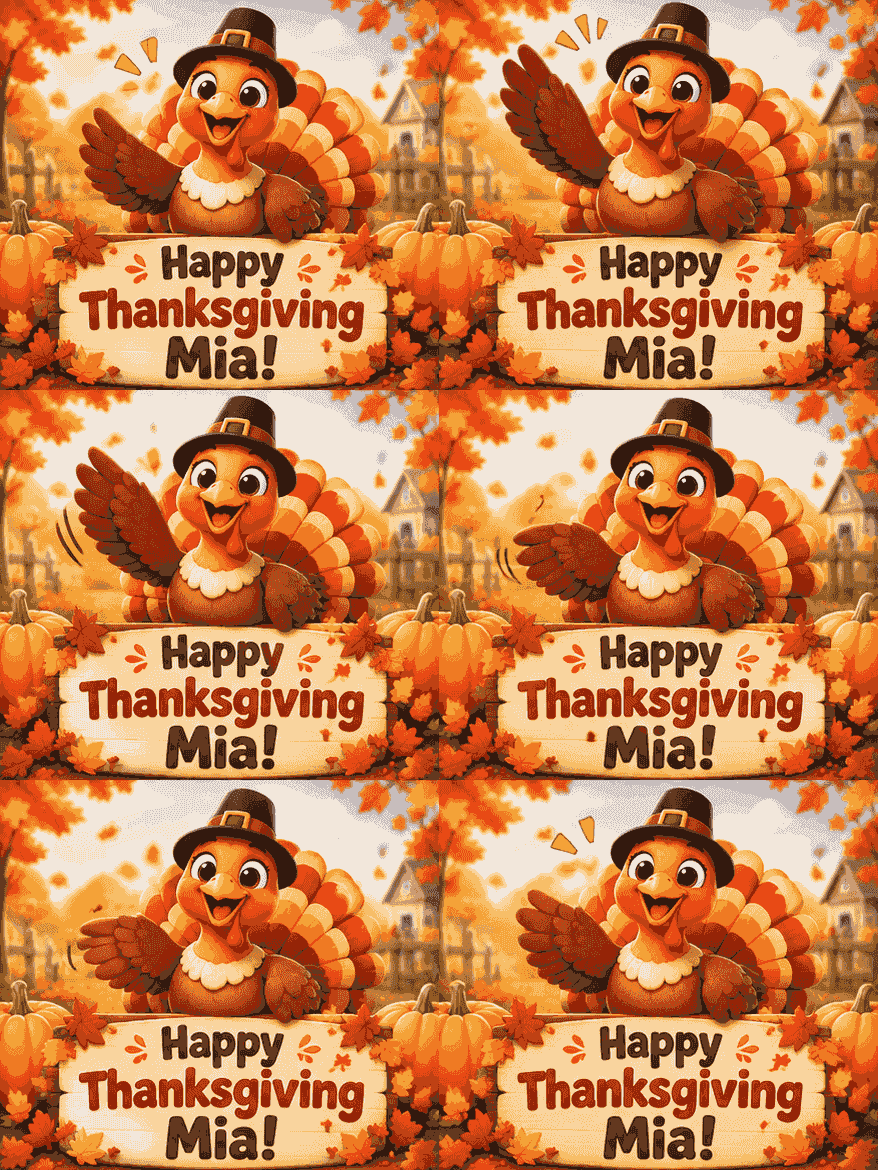
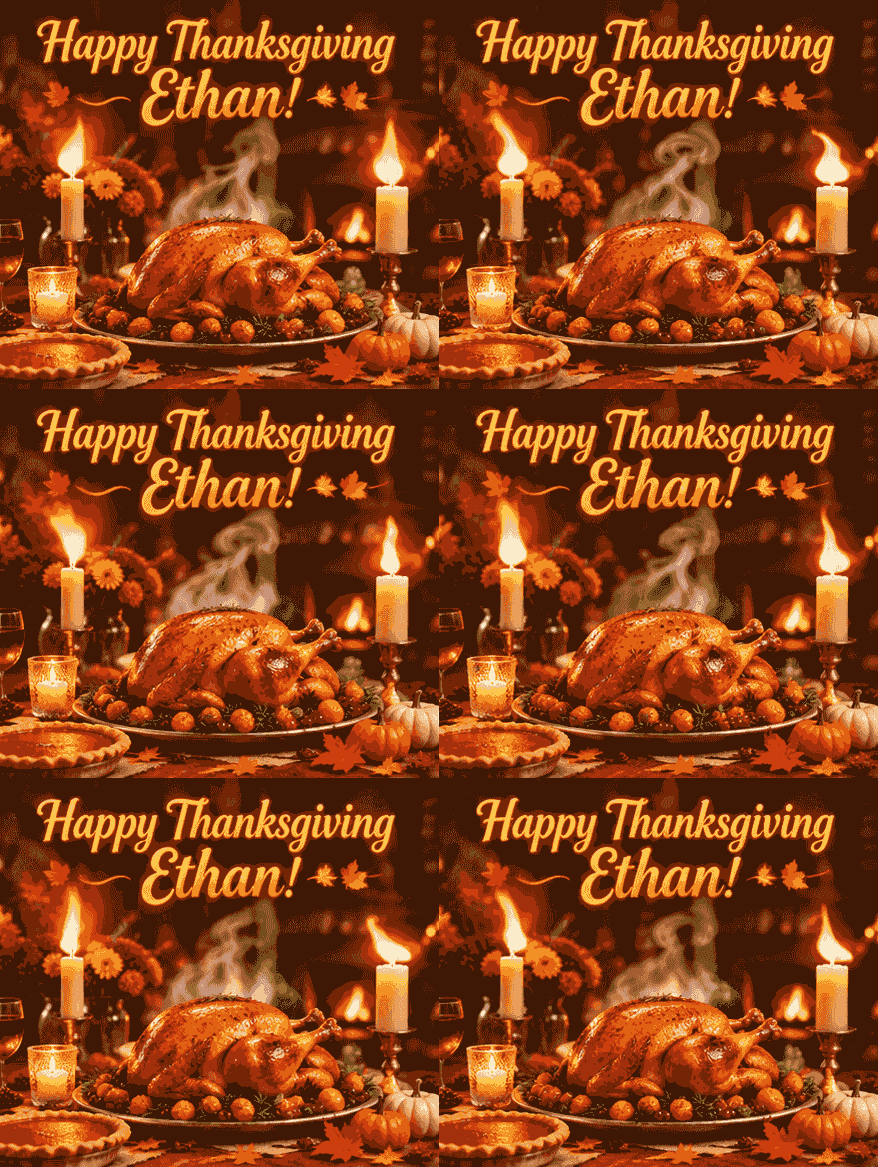
Ethan, Aunt Linda, the Nguyen family — each GIF here came out of this page with the name exactly as typed.



Three steps, ready in about a minute.
Put the name in quotes, the way it should read: "Happy Thanksgiving, Aunt Linda!" Add a second line if you have one.
Thirty to seventy seconds later the GIF appears right where you typed — leaves falling, candles flickering, the name holding still.
Download the .gif and drop it in the family chat, a text, or the email that goes out before dinner.
Thanksgiving is the holiday about specific people. A GIF with one name on it says which one.
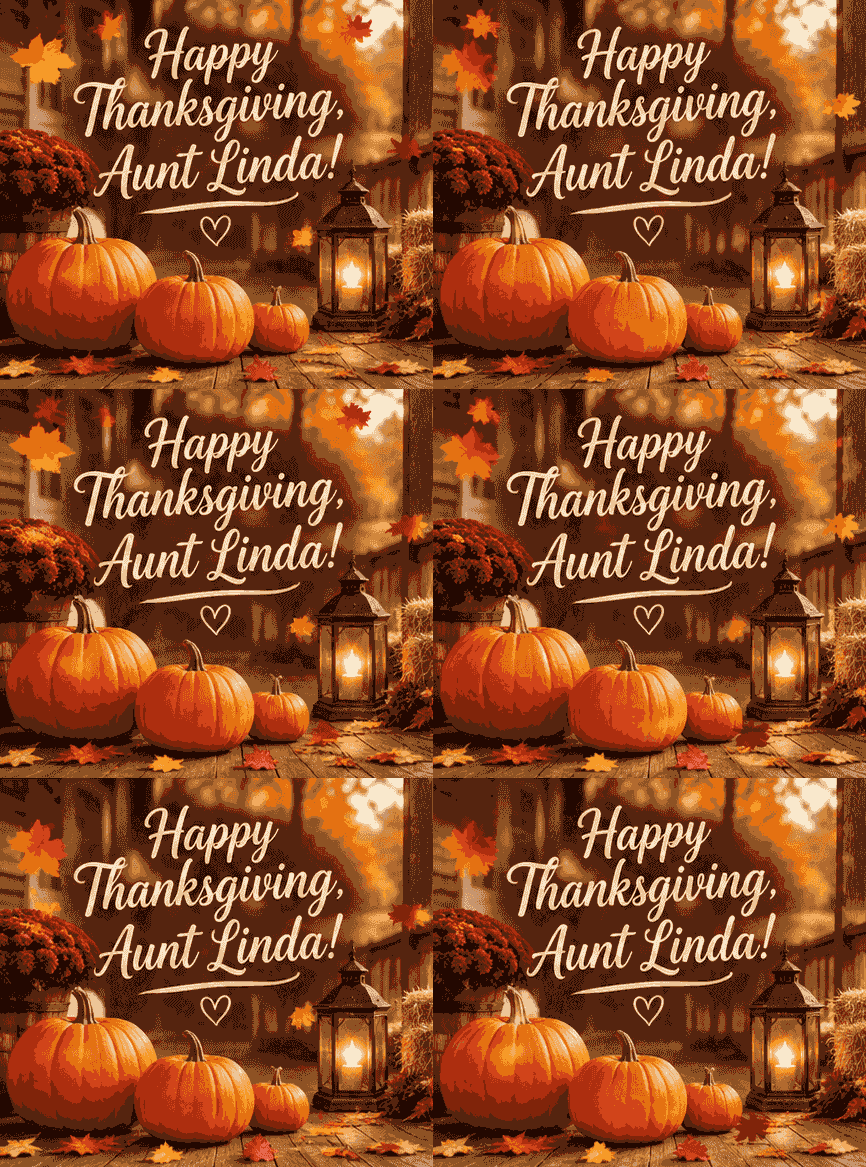
"Happy Thanksgiving, Aunt Linda!" with leaves drifting past the porch. It arrives before the turkey is carved, and she knows it was made for her.
Make one for familyAdd a second line under the name — "Thankful for you" — and the chalkboard says the part that's awkward to type. For a birthday GIF with their name later in the year, it works the same way.
Thank a friendOne GIF signed "from the Nguyen Family" to thank the house that cooked. Any phrase works the same way on the text to GIF page.
Thank the hostsU.S. Thanksgiving is Thursday, November 26, 2026.
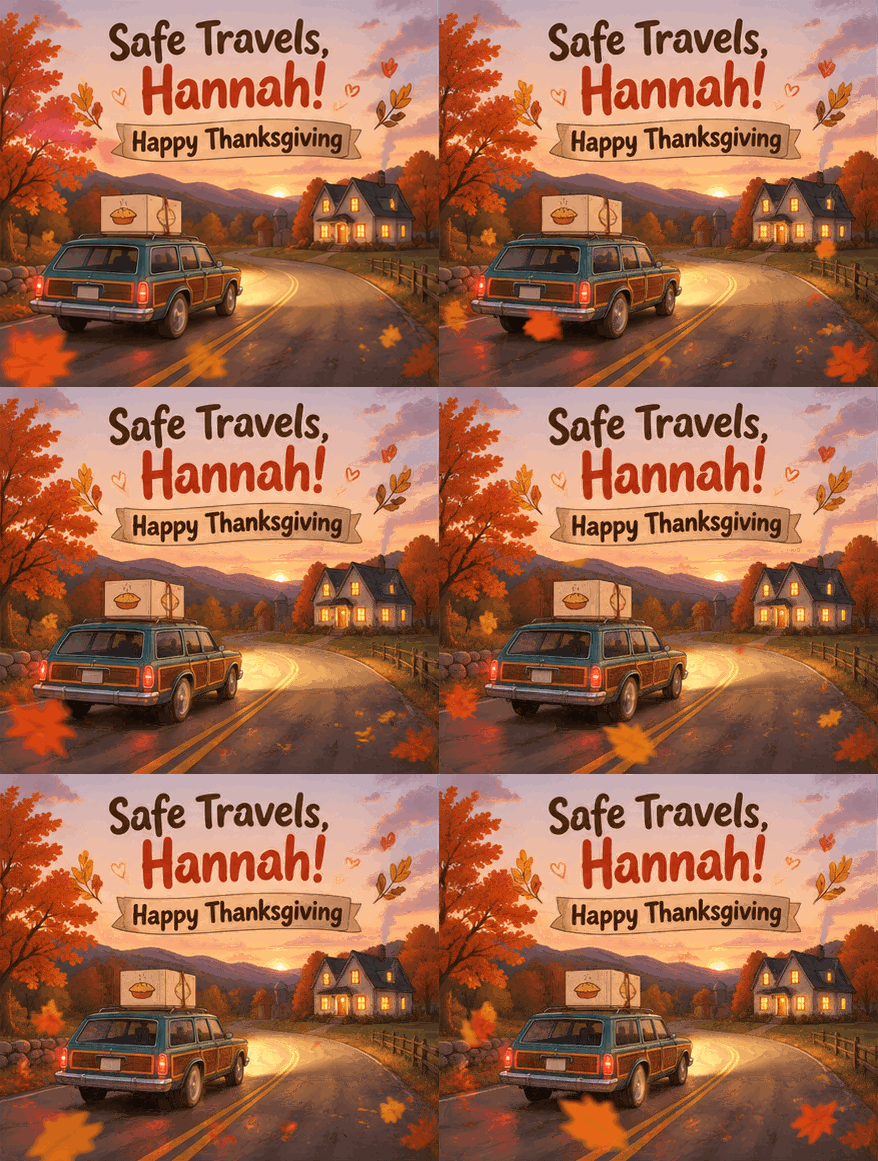
Travel day. A GIF with their name is the hello for everyone still on the road.

Before the oven takes over. The family chat is quiet and your GIF is the first thing in it.

The thank-you to the host, with their family name on the table they set.
Straight answers before you send it.
Yes. The first GIF needs no account, and signing in for free gives you 2 more a day. Free GIFs show a small aigifmaker.ai mark in one corner; $3.99 buys one clean GIF without it, and packs of 60, 150 or 400 start at $9.90 and never expire.
Yes — it saves as a standard .gif file. Text it, post it, or attach it to an email; it loops on its own.
This one does, and it is the best at it. The name is typed, not picked from a list, and it is drawn exactly as you wrote it — every example on this page went in once and came out like that.
Yes. A GIF plays in iMessage, WhatsApp and Messenger without an app, so the person on the other end just sees it move.
Yes. Describe the pet next to the name — a dog in a pilgrim hat, a cat asleep by the pie — and it goes into the scene.
Yes, the GIF has no date on it unless you type one. Canada's was October 12 this year; this page is set up for the U.S. date, November 26.
Christmas and New Year come fast. Same box, their names.
Type the name, pick the table, and it's ready in about a minute — your first one is free, no account needed.